What is Xbox gift card
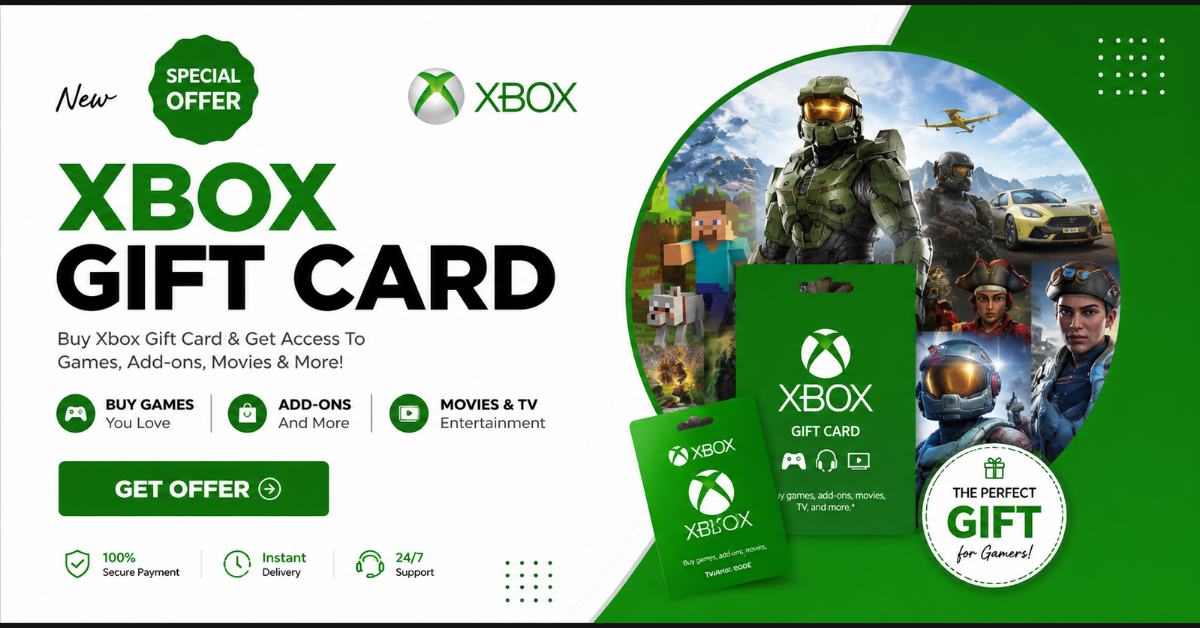
An Xbox Gift Card is a prepaid digital or physical card that lets you add money to your Microsoft/Xbox account. You can use that balance to buy games, subscriptions, and digital content without using a credit or debit card.

What can you use an Xbox Gift Card for?
You can spend it on: Xbox games (full games, add-ons, DLC)
 In-game purchases
 Xbox Game Pass (PC, Console, Ultimate)
 Movies & TV shows from Microsoft Store
 Apps and software from Microsoft Store
How to get Xbox gift card
You can get an Xbox Gift Card in several easy ways—both paid and free/earned methods 
 Buy an Xbox Gift Card (Most common)
You can buy it online or from local sellers. Online stores
Amazon
Microsoft Store
Daraz (Bangladesh)
Local Facebook pages / gaming shops (digital code) You’ll receive a digital code by email or message. Physical stores
Game shops
Electronics stores
Superstores (in some countries)
You scratch the card to reveal the code.
How to use Xbox gift card
Using an Xbox Gift Card is very easy. Just follow these steps  How to use (redeem) Xbox Gift Card
 Option 1: On Xbox Console
1. Turn on your Xbox and sign in to your Microsoft account
2. Go to Store
3. Select Redeem
4. Enter the 25-digit code from your gift card
5. Confirm → Balance will be added to your account Option 2: On PC / Mobile (Recommended)
1. Open a browser and go to redeem.microsoft.com
2. Sign in to your Microsoft account
3. Enter the 25-character code
4. Click Next / Confirm Your Microsoft balance is now ready to use
How to redeem Xbox gift card
Here are the simple step-by-step ways to redeem an Xbox Gift Card Method 1: Redeem on Website (Easiest)
1. Open a browser on your phone or PC
2. Go to redeem.microsoft.com
3. Sign in to your Microsoft account
4. Enter the 25-character Xbox gift card code
5. Click Next / Confirm The balance is added to your Microsoft account instantly. Method 2: Redeem on Xbox Console
1. Turn on your Xbox and sign in
2. Open Microsoft Store
3. Select Redeem
4. Enter the 25-digit code
5. Confirm